Building AI Agents with JavaScript, React, and ReExt: A Developer's Guide
Custom AI coding agents combine language models with application context, tools, and multi-step execution. They can be designed to support workflows such as code analysis, diagnostic reporting, documentation retrieval, and development automation.
Building one requires more than connecting an API to a React component. The application needs an execution architecture, clear state management, controlled tool access, and an interface that makes the results understandable.
This article explains how JavaScript, React, MCP, ACP, and ReExt can fit into such an application.
1. Define the Agent Workflow
Start with a specific task rather than a broad promise of autonomous coding.
For example, a diagnostic agent might:
Receive a request to inspect a project.
Collect relevant information using approved tools.
Analyze the returned results.
Generate structured findings.
Present the findings for review.
Verify whether the requested task is complete.
The workflow should have clear success criteria and explicit failure conditions.
2. Separate the Agent From the Interface
A maintainable implementation separates the execution layer from the React UI.
The execution layer manages model requests, tool calls, retries, and verification. The UI collects instructions, displays status, and lets developers inspect results.
An illustrative module structure might look like this:
src/
  agent/
    orchestrator.js
    tools.js
    validation.js
  components/
    TaskInput.jsx
    ExecutionStatus.jsx
    ToolActivity.jsx
    DiagnosticsGrid.jsx
  services/
    agentClient.js
  App.jsx
This is an example project structure, not a required convention. The important principle is to keep orchestration, tool access, and presentation responsibilities distinct.
3. Understand MCP and ACP
MCP and ACP address different integration needs.
MCP provides a standardized approach for connecting compatible AI applications to tools and contextual resources.
ACP supports communication between compatible agent clients and agent backends.
Your application may use one, both, or neither, depending on its architecture. Confirm that the chosen agent runtime and integrations support the protocol behavior you need.
Do not treat protocol support as a replacement for authorization, input validation, or execution controls.
4. Build a React Interface
A basic interface can start with task submission and execution status.
import { useState } from "react";

export default function AgentPanel({ runTask }) {
  const [task, setTask] = useState("");
  const [status, setStatus] = useState("idle");

  async function handleRun() {
    if (!task.trim()) return;

    setStatus("running");

    try {
      await runTask(task);
      setStatus("completed");
    } catch {
      setStatus("failed");
    }
  }

  return (
    <section>
      <label htmlFor="agent-task">Task</label>

      <textarea
        id="agent-task"
        value={task}
        onChange={(event) => setTask(event.target.value)}
      />

      <button
        onClick={handleRun}
        disabled={status === "running"}
      >
        {status === "running" ? "Running..." : "Run Agent"}
      </button>

      <p>Status: {status}</p>
    </section>
  );
}
4. Build a React Interface
A basic interface can start with task submission and execution status.
import { useState } from "react";

export default function AgentPanel({ runTask }) {
  const [task, setTask] = useState("");
  const [status, setStatus] = useState("idle");

  async function handleRun() {
    if (!task.trim()) return;

    setStatus("running");

    try {
      await runTask(task);
      setStatus("completed");
    } catch {
      setStatus("failed");
    }
  }

  return (
    <section>
      <label htmlFor="agent-task">Task</label>

      <textarea
        id="agent-task"
        value={task}
        onChange={(event) => setTask(event.target.value)}
      />

      <button
        onClick={handleRun}
        disabled={status === "running"}
      >
        {status === "running" ? "Running..." : "Run Agent"}
      </button>

      <p>Status: {status}</p>
    </section>
  );
}
This is a simplified UI example. A production application should also handle cancellation, duplicate submissions, progress updates, errors, and any approval states required by the workflow.
5. What Is ReExt?
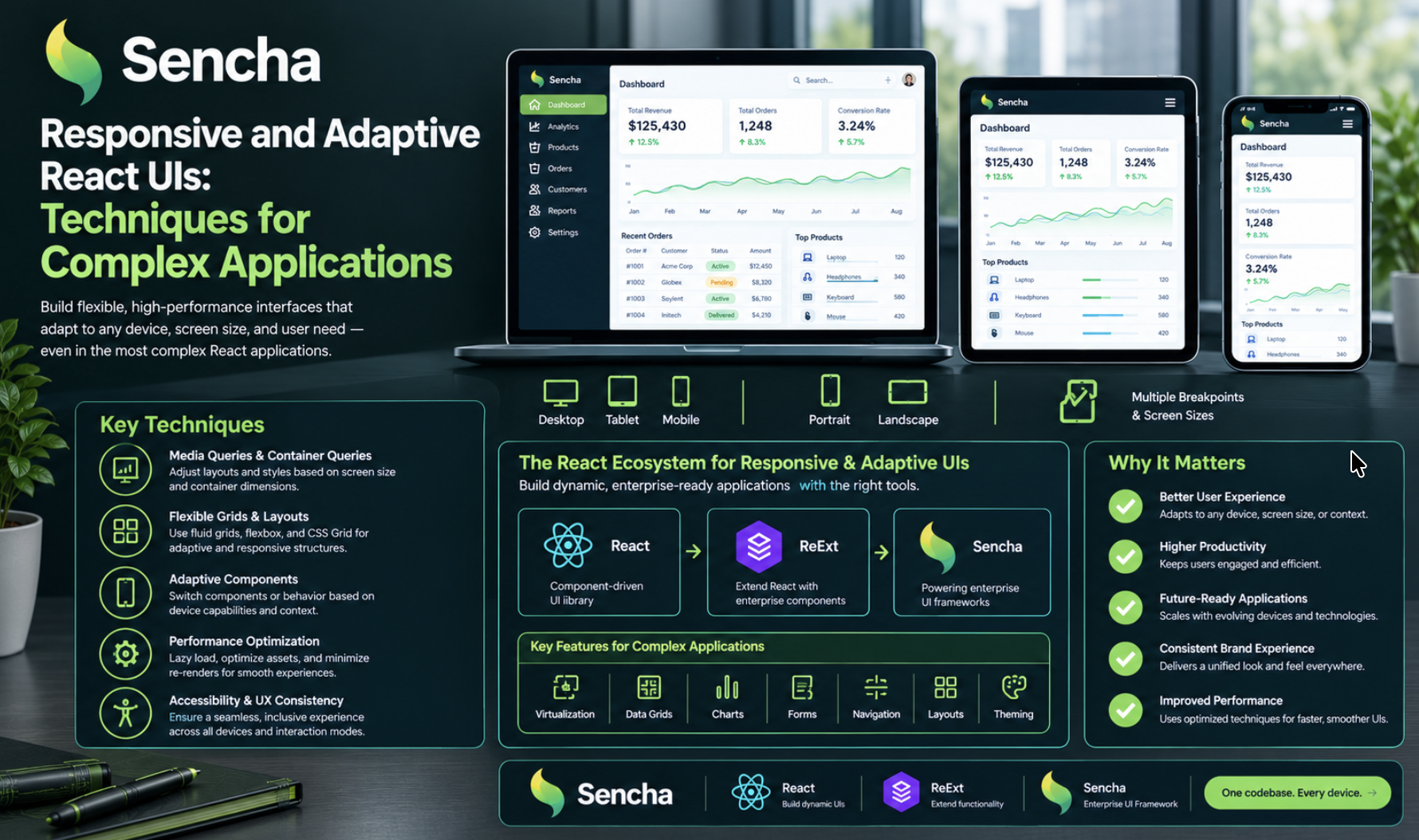
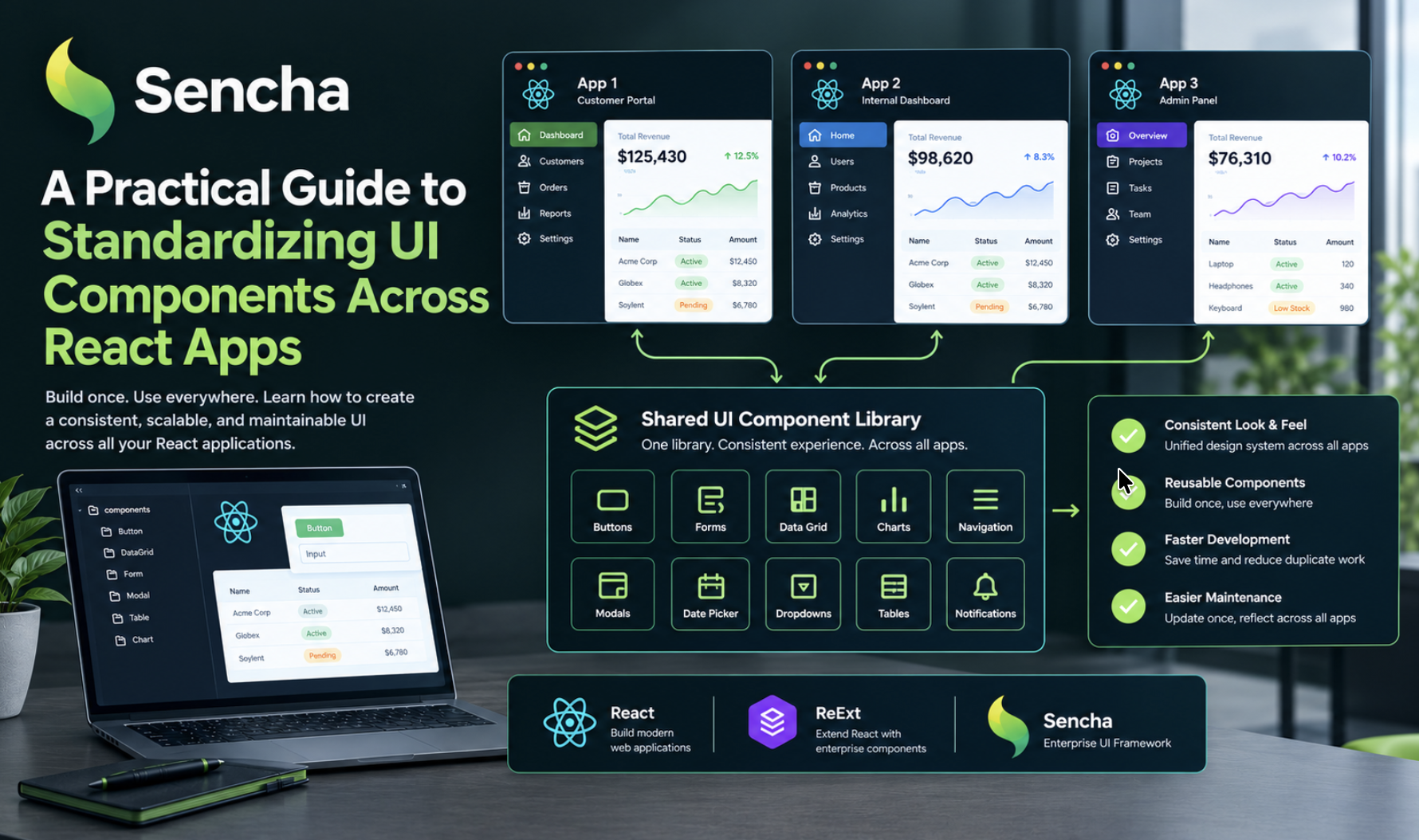
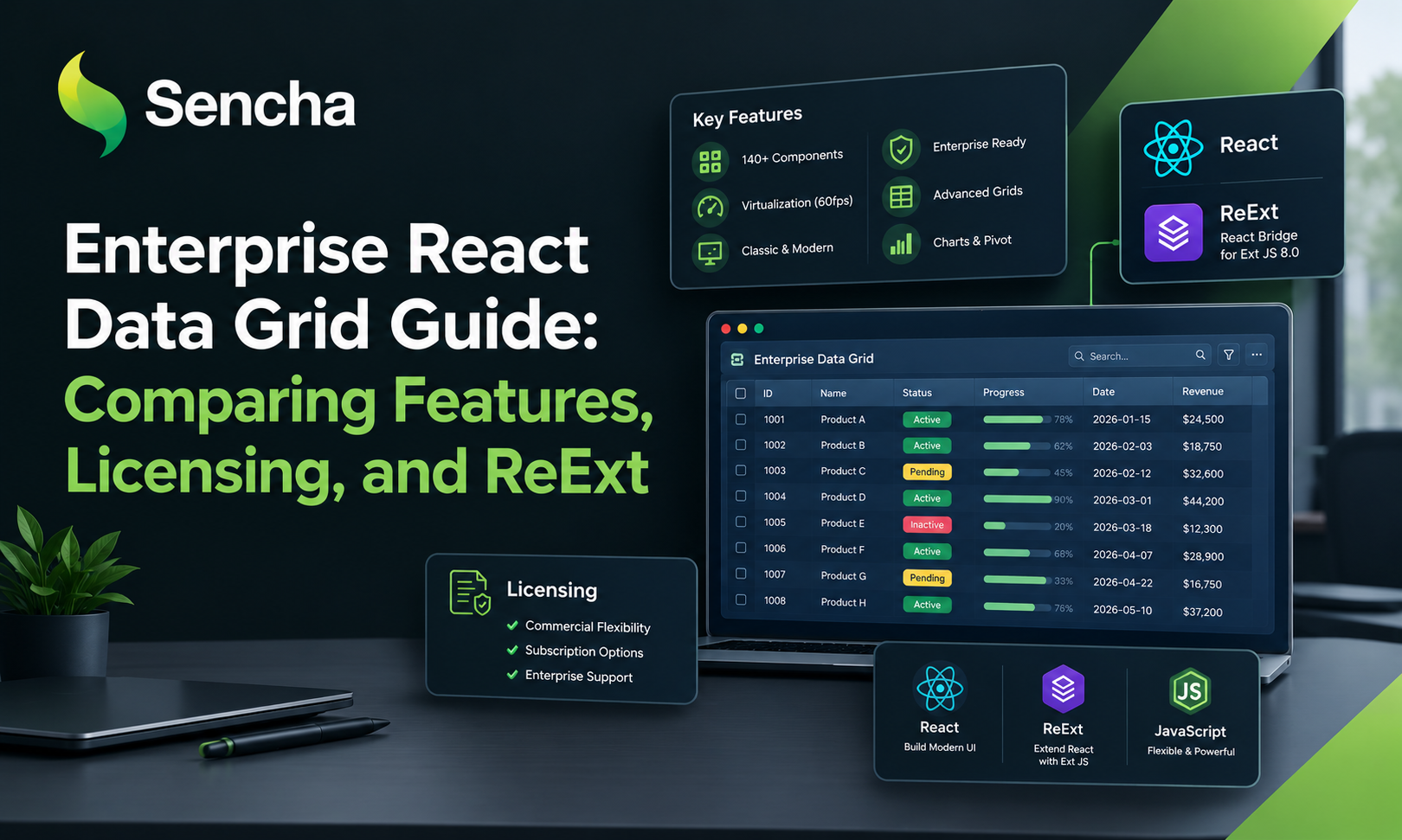
ReExt allows developers to integrate Sencha Ext JS components into React applications.
Ext JS provides a range of enterprise UI components, including data grids and forms. ReExt is useful to evaluate when a React application needs those components alongside its existing React interface.
For an AI coding agent, this can be particularly relevant when the output includes structured information that developers need to inspect rather than simply read.
Examples include diagnostic findings, validation results, tool activity, and file-level analysis.
6. ReExt Coding Style: Configure Components in React
ReExt uses a component wrapper pattern that allows developers to specify the Ext JS component type and configuration.
A simple example:
import { ReExt } from "@gusmano/reext";

export default function RunAnalysisButton({ onRun }) {
  return (
    <ReExt
      xtype="button"
      config={{
        text: "Run Analysis",
        width: 140
      }}
      onClick={onRun}
    />
  );
}
The example illustrates the general approach:
xtype identifies the Ext JS component type.
config supplies the component's configuration.
Supported event properties connect interactions to application behavior.
Consult the current ReExt documentation for installation, provider initialization, exact event signatures, and component-specific configuration. Those details can vary with the installed version and component.
For more information, see Sencha's ReExt introduction.
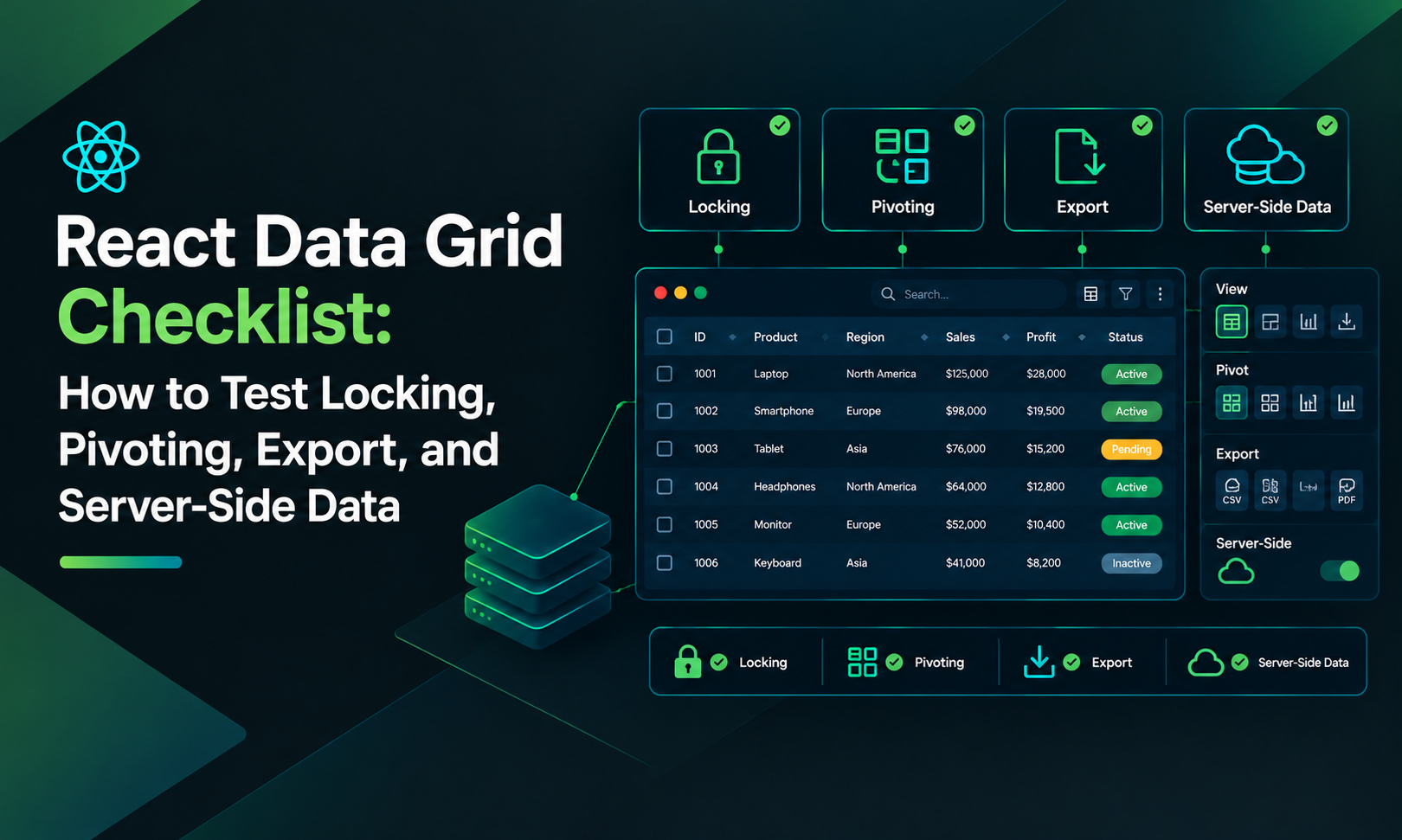
7. Display Structured Agent Results With a React Grid Component
When an agent returns a large set of findings, a structured grid can make the results easier to navigate.
For example, a diagnostic interface might use these fields:
const findings = [
  {
    id: 1,
    file: "src/App.jsx",
    category: "Validation",
    severity: "Medium",
    status: "Needs review"
  }
];
This is illustrative sample data rather than an actual agent response.
A grid could display the file, category, severity, and status, with additional details available when a user selects a finding.
For a data-intensive enterprise application, an Ext JS grid through ReExt may be worth evaluating. For a smaller interface, a lightweight React Grid component may be enough.
Choose based on sorting, filtering, virtualization, accessibility, customization, licensing, and the volume of data you expect to display.
8. Keep Agent State and UI State Consistent
An agent's execution state should be represented explicitly. Typical states include idle, running, waiting for approval, completed, failed, and cancelled.
The interface should not report success merely because a request was submitted. It should display completion only after the relevant execution layer confirms the outcome.
For long-running tasks, consider progress events, cancellation, timeout handling, and recovery from connection failures.
9. Add Security and Validation
Before allowing an agent to access project files or execute tools, establish clear boundaries.
Limit access to the resources required by the task.
Validate all tool parameters.
Protect credentials and sensitive information.
Require approval for consequential operations.
Apply timeouts and bounded retries.
Log relevant events without exposing secrets.
Verify results before marking a task as complete.
The UI can make the workflow transparent, but enforcement must happen in the backend or other trusted execution layer.
10. An Incremental Implementation Plan
A practical rollout can follow this sequence:
Select a single, measurable development task.
Implement the agent orchestration and tool integration.
Add a React interface for submitting tasks and viewing status.
Introduce MCP or ACP where the selected integrations require them.
Add structured result views using an appropriate React grid component or ReExt.
Test permissions, error handling, and verification.
Expand the scope only after the workflow is reliable.
This approach allows teams to measure the value of the agent without committing prematurely to a complex architecture.
Conclusion
Building a custom AI coding agent requires a coordinated design for context, tools, execution, state, and the user interface.
JavaScript and React provide a foundation for the application, while MCP and ACP can support different integration needs. ReExt makes Ext JS components available within React applications, creating another option for displaying structured diagnostics and data-heavy results.
Start with a focused use case, separate execution from presentation, and make sure the agent's actions and outcomes remain understandable to the developer.
Further reading: Building Custom AI Agents with JavaScript, React, and ReExt.
Comments
Join the discussionNo comments yet. Be the first to comment.