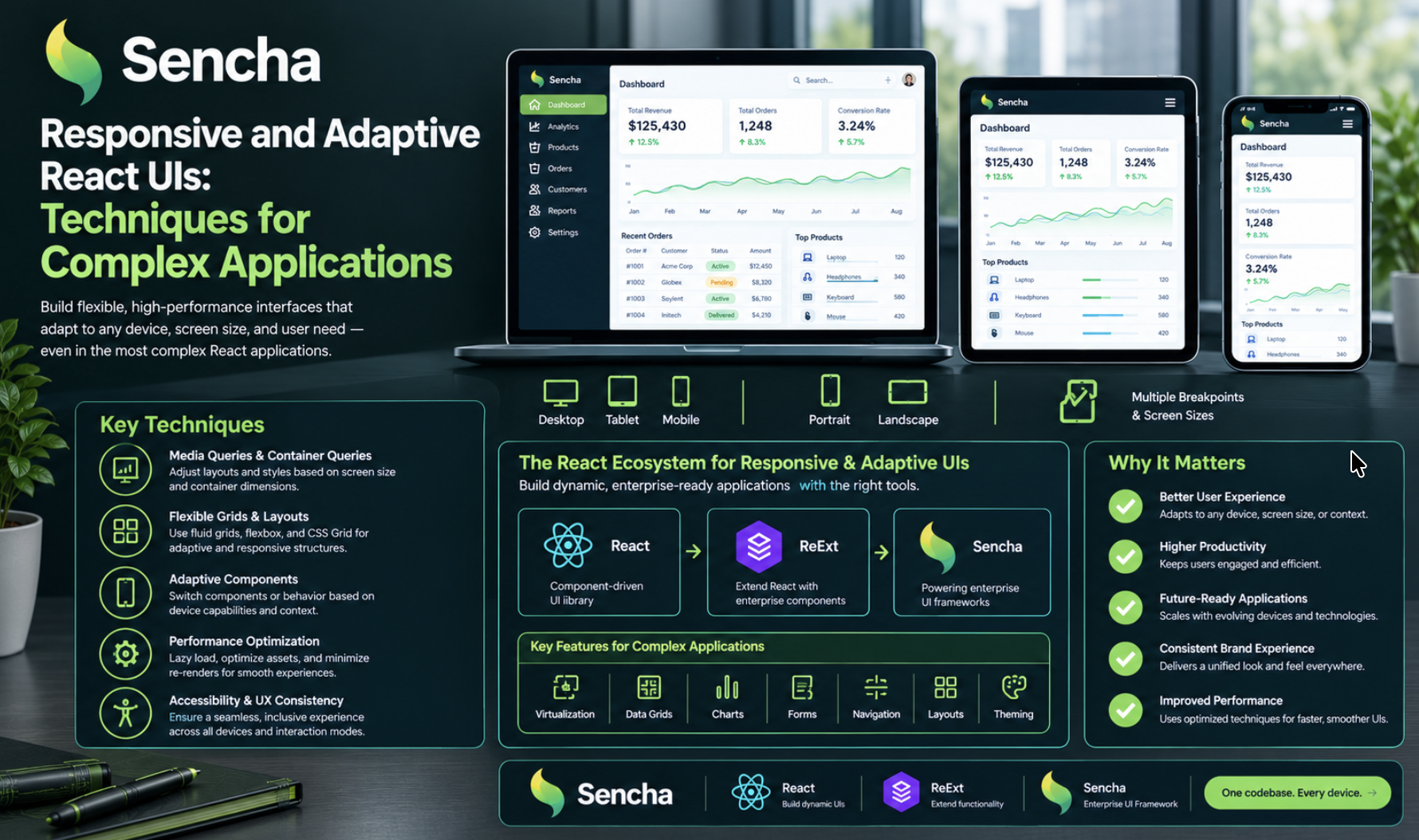
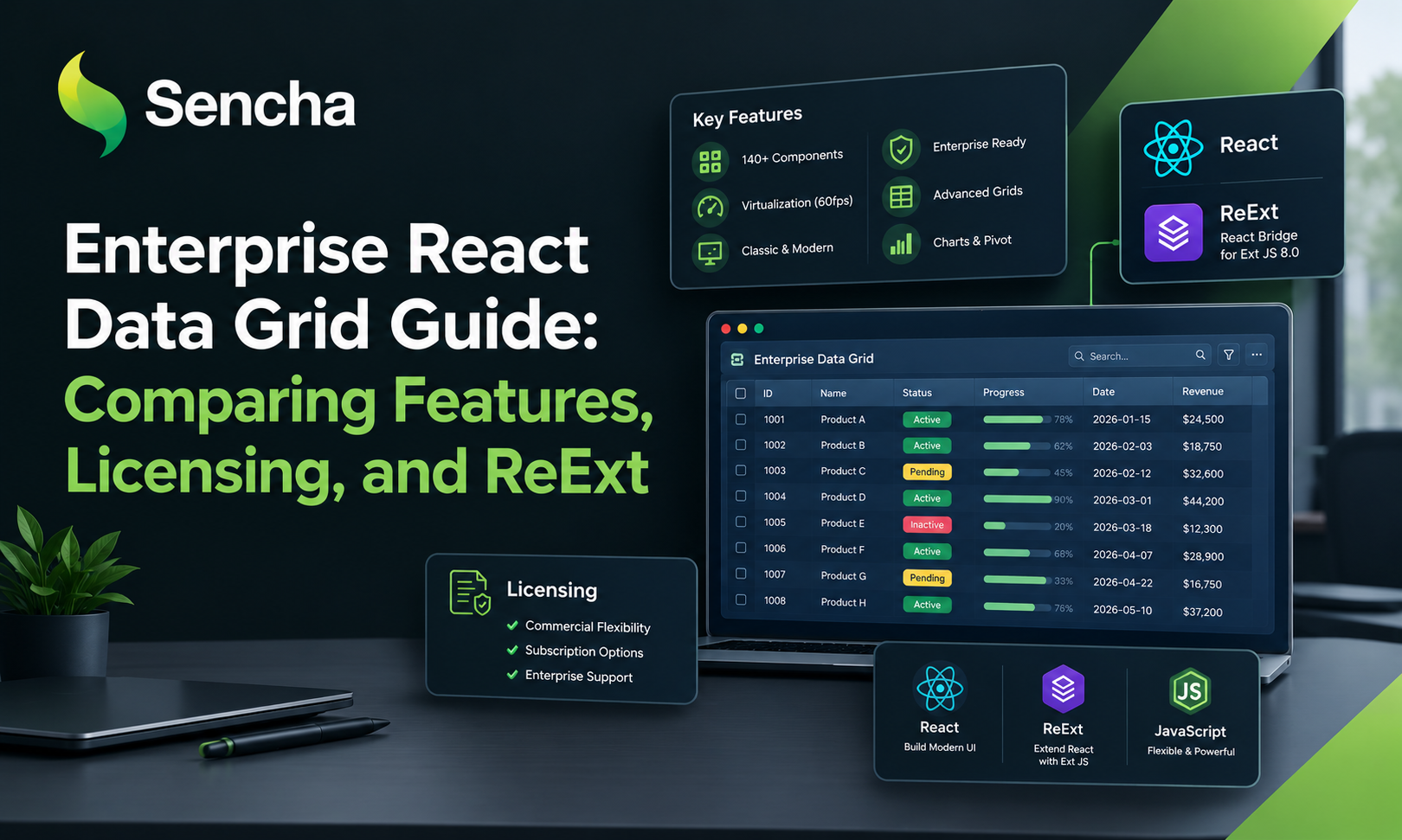
A Practical Guide to Standardizing UI Components Across React Apps
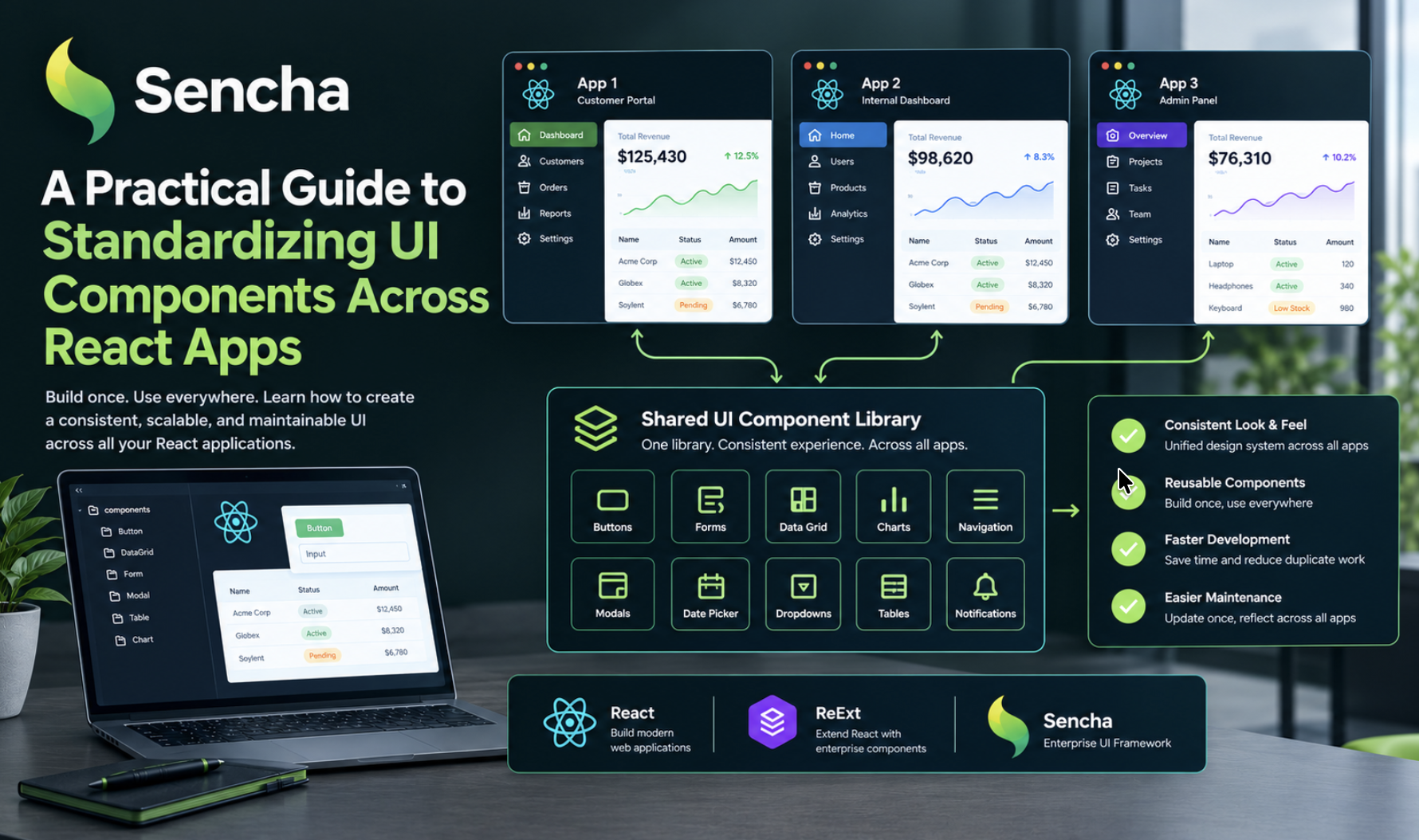
Managing one React UI component library application is relatively straightforward. Maintaining several React applications with consistent UI patterns, reusable components, and predictable upgrade processes is a different challenge.
As organizations grow, frontend teams may adopt different component libraries or build their own implementations. While this can solve immediate problems, it can also introduce long-term complexity, duplicated code, and inconsistent user experiences.
A shared UI component strategy can help bring these applications closer together. For teams building enterprise applications with React, solutions such as ReExt also offer a way to integrate Ext JS components into React projects, combining React's development model with a comprehensive set of enterprise UI components.
1. Audit Your Existing React Component Ecosystem
Before choosing a standard library, identify what your React applications currently use.
Look for duplicated components, inconsistent styling, multiple dependencies that solve the same problem, and differences in accessibility or interaction behavior.
This audit establishes which problems standardization should address and helps determine whether an existing library, an internal design system, or a combination of both is the best fit.
2. Define Your React Component Requirements
Create a common checklist for the React applications that will use the shared library.
Consider:
- Core components: Buttons, forms, navigation, and common interface elements.
- Data grids: Filtering, sorting, inline editing, and handling large datasets.
- Charts and data visualization: Components for presenting complex information.
- Responsive layouts and theming: Consistent experiences across screen sizes and applications.
- Accessibility: Keyboard navigation and accessible interaction patterns.
- Performance: Efficient rendering with production-scale datasets.
- Licensing and support: Documentation, upgrade paths, and long-term maintenance.
For applications that require advanced enterprise components, ReExt is worth evaluating because it enables developers to use Ext JS components within React applications. This can help teams reuse feature-rich components, such as advanced data grids and complex forms, rather than developing and maintaining every component independently.
The key is to select a solution that meets your actual application requirements while supporting consistency, flexibility, and maintainability across the organization.
The requirements should reflect actual application workloads rather than assumptions about which library is most popular.
3. Choose a shared component foundation
Evaluate candidate libraries against your checklist.
A general-purpose React library may be suitable for standard application interfaces. Applications with more complex data requirements may benefit from specialized components or a broader enterprise UI framework.
The important consideration is whether the library can support your applications without excessive custom code or workarounds.
4. Establish shared implementation standards
A shared dependency alone does not create a consistent architecture.
Define conventions for component composition, styling, theme configuration, testing, documentation, and version upgrades.
If several teams contribute to the same component ecosystem, make ownership and contribution guidelines clear.
You can also define a process for exceptions so that specialized applications can meet their requirements without introducing unnecessary fragmentation.
5. Plan a controlled migration
Avoid replacing every component across every application in one step unless there is a compelling reason.
Choose a representative application, migrate a limited set of components, and evaluate the results.
Measure the impact on development effort, maintainability, performance, and consistency. Use these findings to improve the migration plan before expanding to other applications.
6. Measure the results
Standardization should produce observable improvements.
Useful indicators include:
- Reduced duplication of component implementations.
- Less effort spent maintaining shared UI functionality.
- Fewer inconsistencies across applications.
- More predictable component upgrades.
- Improved developer feedback and onboarding.
These measures help determine whether the strategy is delivering practical value.
Conclusion
Standardizing UI components across React applications can help organizations reduce duplication and create a more maintainable frontend ecosystem.
The best results come from choosing a suitable library, establishing clear conventions, and adopting the shared approach incrementally. Flexibility should remain available when an application's requirements genuinely justify an exception.
Read more in Sencha's original article:
How to Standardize on One UI Component Library Across Your React Apps
How does your team share components across React projects? Do you use a monorepo, publish a shared package, or maintain an internal design system?
Comments
Join the discussionNo comments yet. Be the first to comment.