Responsive and Adaptive React UIs: Techniques for Complex Applications
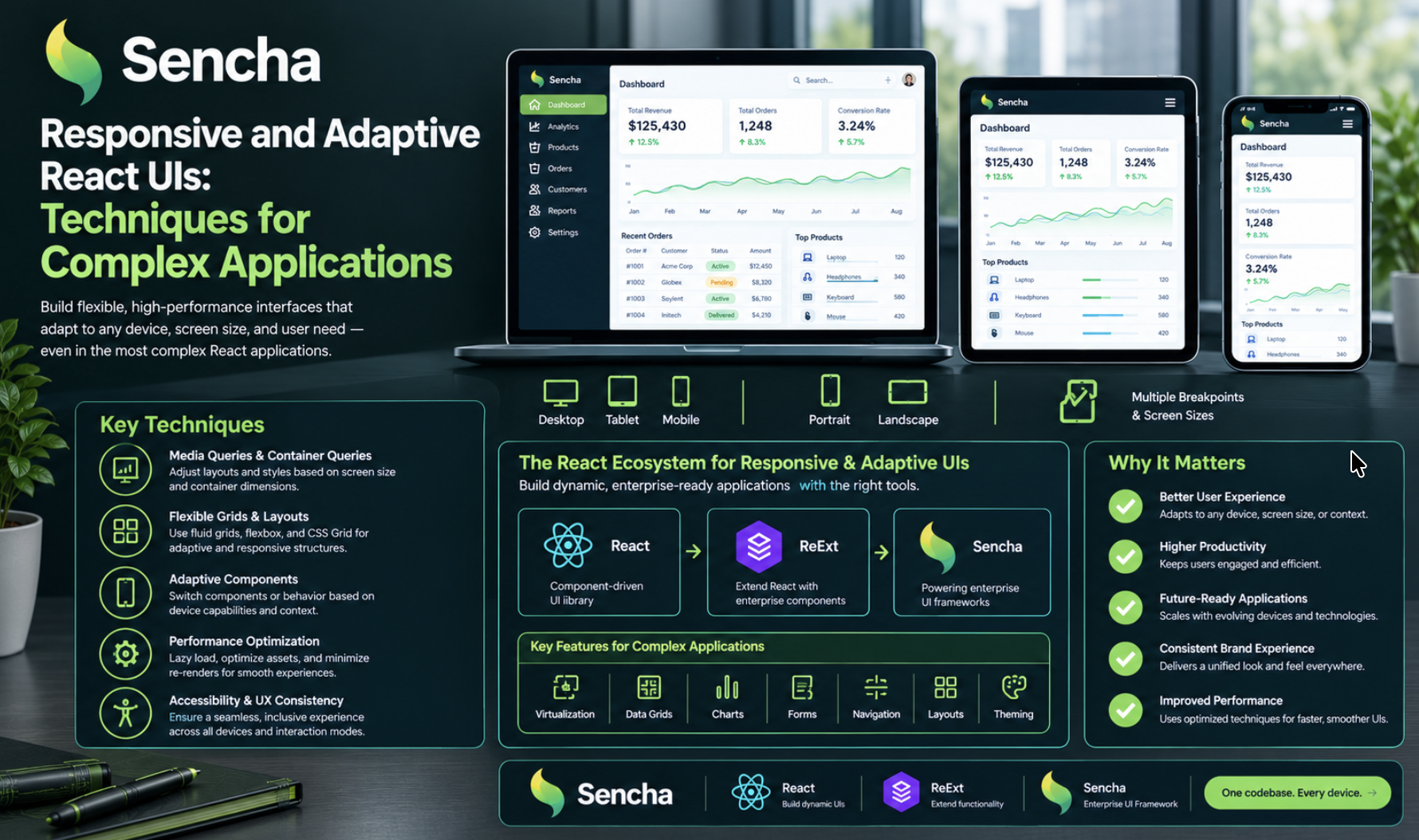
Responsive design is relatively easy to demonstrate with a basic webpage. The challenge grows when the application includes data grids, charts, filters, navigation panels, and complex forms.
These interfaces need to remain functional across different screen sizes without becoming difficult to maintain.
In this article, we'll look at practical techniques for responsive react ui component library development and explore when a component framework can help.
1. Use CSS Grid and Flexbox for flexible React layouts
Start with layout systems that respond naturally to available space.
CSS Grid works well for dashboards and card collections, while Flexbox is useful for arranging controls and navigation elements.
.dashboard-grid {
  display: grid;
  grid-template-columns: repeat(
    auto-fit,
    minmax(min(100%, 260px), 1fr)
  );
  gap: 16px;
}
This lets cards rearrange according to the available width without hardcoding a different layout for every device.
2. Choose breakpoints based on content
A breakpoint should be introduced when a layout becomes difficult to use.
For example, a multi-column dashboard may need to switch to a single-column layout when its cards become too narrow. A sidebar may need to collapse when it starts competing with the main content.
Test different viewport widths rather than relying exclusively on predefined device sizes.
3. Design React data grids for real usage
Large data grids can be challenging on mobile screens.
Consider these strategies:
- Prioritize essential columns.
- Allow horizontal scrolling when users need access to the full dataset.
- Provide column visibility controls where appropriate.
- Offer compact views for smaller screens.
- Make record details accessible without requiring users to navigate an oversized table.
Also test sorting, filtering, editing, selection, and keyboard navigation at different viewport sizes.
4. Use adaptive behavior where necessary
Not every responsive requirement can be solved by changing CSS dimensions.
Some interfaces need to change how components are arranged or displayed depending on the available space or platform.
Keep these decisions explicit and organized. Avoid scattering viewport checks throughout unrelated business logic, which can make responsive behavior difficult to maintain.
5. Evaluate reusable UI frameworks
Building every advanced component from scratch creates additional responsibilities for the development team, including accessibility, performance testing, interaction handling, and ongoing maintenance.
For enterprise React applications, Sencha's ReExt is one option to evaluate. It integrates Ext JS components into React applications and provides access to components such as grids, charts, forms, and trees.
Its layout and configuration capabilities can help developers implement responsive interfaces while reusing established component functionality.
As with any framework, test its capabilities against your actual requirements before adopting it.
6. Include accessibility in responsive testing
A layout that fits the screen is not necessarily accessible.
Verify that controls have appropriate labels, keyboard navigation works, focus remains visible, and important content remains available when the layout changes.
Pay particular attention to modals, dropdowns, dense tables, and controls that behave differently on touch devices.
7. Test complete application workflows
Test more than the initial page rendering.
Check common tasks such as filtering a dataset, opening a record, editing information, submitting a form, and navigating between sections.
Include long text, large datasets, loading indicators, validation errors, and empty states in your test scenarios.
These cases often reveal issues that are not visible in a basic responsive preview.
Conclusion
Building responsive and adaptive React UIs requires a combination of flexible CSS layouts, thoughtful breakpoints, reusable components, accessibility checks, and real-world testing.
For complex enterprise interfaces, a component framework such as ReExt may also help teams reuse advanced UI functionality instead of implementing every component independently.
Explore Sencha's original article for more details:
Building Responsive and Adaptive UIs in React with ReExt
Question for the community: Do you prefer building responsive behavior entirely with CSS, using component-library configuration, or combining both approaches?
\
Comments
Join the discussionNo comments yet. Be the first to comment.