Building Interactive Data Grids with Ext JS and ReExt in React

Data grids are a core part of enterprise applications, from analytics dashboards to order management and administrative tools. But displaying rows and columns is only the starting point.
Users may also need to change values, monitor progress, and understand trends without leaving the grid. Ext JS supports these interactions through widget columns. ReExt makes it possible to use Ext JS components inside React applications through a JSX-oriented coding style.
This guide explores the patterns and shows how to think about them when building a React application.
1. What are Ext JS widget columns?
An Ext JS widget column displays a component inside a grid cell instead of rendering only a text or numeric value.
Depending on the use case, a widget column can provide:
A slider for adjusting a numeric value
A progress bar for displaying completion
A button for a row-level action
A sparkline for showing a compact trend
The component can be bound to the current record, allowing it to reflect the data associated with the row.
Sencha's original tutorial demonstrates this approach with an NBA player ratings dataset.
2. Configure a slider widget column
A slider can be useful when users need to adjust a value within a defined range.
Here is the configuration pattern shown in the original Ext JS tutorial:
{ text: '2PT%', xtype: 'widgetcolumn', width: 120, widget: { xtype: 'sliderwidget', minValue: 0, maxValue: 1, bind: '{record.twoPointPercent}', publishOnComplete: false, decimalPrecision: 2 } }
The configuration defines a widget column, specifies a slider widget, and binds it to the current record's twoPointPercent field.
This is useful when the interaction belongs naturally in the row. In a production application, make sure value changes follow the application's validation, permissions, and save behavior.
3. Display trends with sparklines
A current value doesn't always explain what is happening. A sparkline provides a compact representation of a sequence of values.
For example:
{ text: 'Scoring evolution', flex: 1, xtype: 'widgetcolumn', widget: { xtype: 'sparklineline', bind: '{record.scoringEvolution}', tipTpl: 'Value: {y:number("0.00")}' } }
The sparkline is bound to scoringEvolution, so the grid can visualize the trend associated with the record.
This pattern may be useful in sales reports, performance dashboards, operational monitoring, or other interfaces where users compare trends across multiple records.
4. What is ReExt?
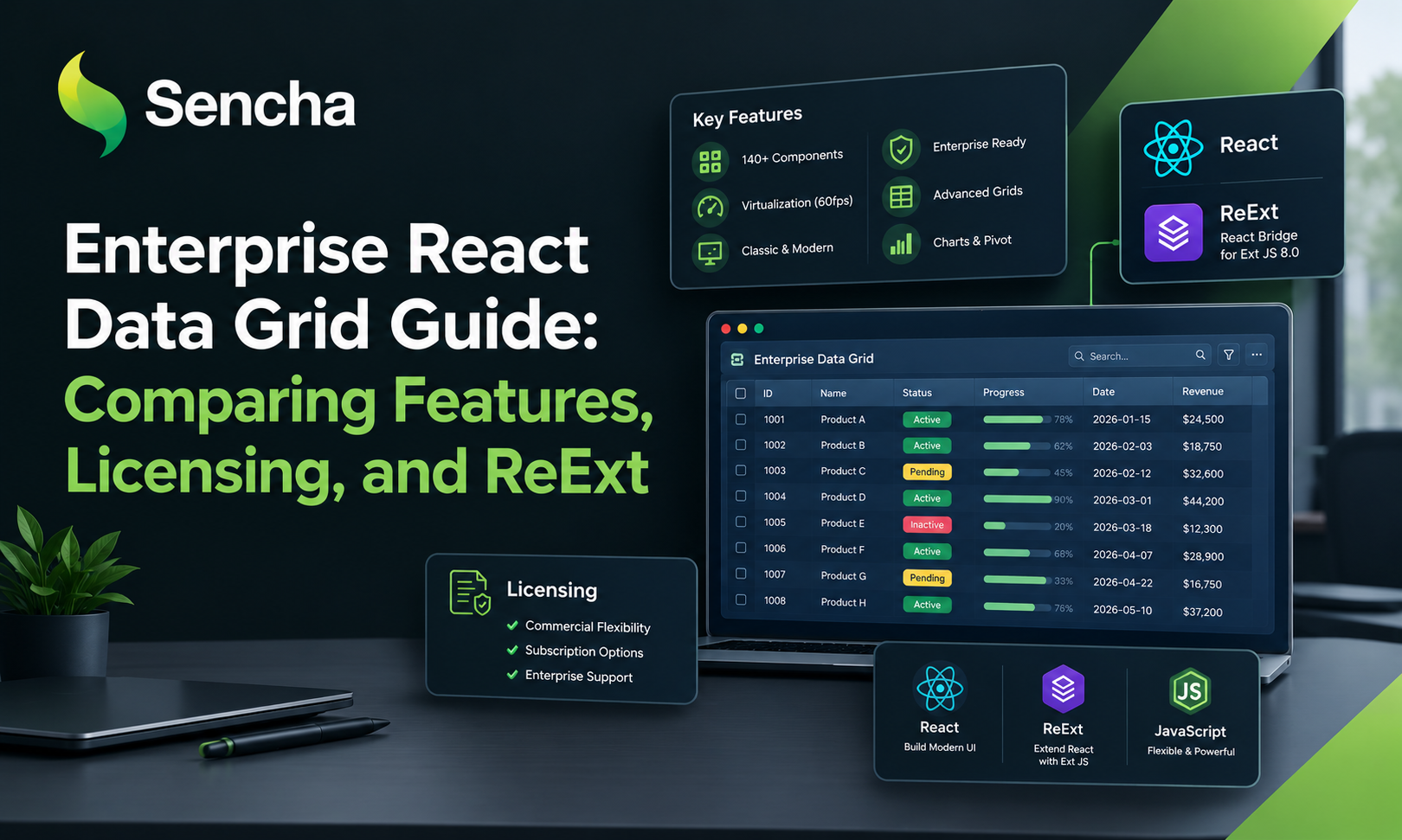
ReExt is a Sencha library that integrates Ext JS components into React applications.
Instead of replacing every Ext JS component with a separate React implementation, developers can use Ext JS components through ReExt's React-facing API.
This is useful when:
A React application needs an Ext JS Data Grid.
A team wants to reuse existing Ext JS components.
Developers want React's component-based application structure alongside Ext JS UI capabilities.
An organization is modernizing an application incrementally rather than replacing every UI component at once.
ReExt is an integration layer; it doesn't mean that every Ext JS configuration automatically becomes a native React API. Developers still need to understand the underlying Ext JS component configuration.5. ReExt coding style: Use Ext JS components in JSX
A ReExt component commonly uses:
xtype to identify the Ext JS component.
config to define its Ext JS configuration.
React props for styling and integration.
Event props such as onTap or onClick where supported by the underlying component.
For example:
import ReExt from '@sencha/reext'; function OrdersGrid() { const columns = [ { text: 'Order', dataIndex: 'orderNumber', flex: 1 }, { text: 'Status', dataIndex: 'status', width: 150 } ]; return ( <ReExt xtype="grid" config={{ title: 'Orders', columns }} style={{ width: '100%', height: 400 }} /> ); } export default OrdersGrid;
This is an illustrative component example. To run it, configure the ReExt environment and provide the grid's store or data source.The coding style combines JSX with familiar Ext JS configuration. React developers can place the grid in their component tree while continuing to configure its columns and other options through Ext JS.
6. How do widget columns fit into ReExt?
The original Ext JS tutorial configures widget columns through Ext JS properties such as xtype: 'widgetcolumn' and a nested widget configuration.
When bringing this functionality into a React application, ReExt provides the integration path for using Ext JS components. The exact widget-column setup must still follow the requirements of the Ext JS grid, toolkit, and version in use.
A practical development workflow is:
Build and validate the desired grid behavior in the relevant Ext JS configuration.
Integrate the grid into the React application using ReExt.
Connect the grid to the correct store or data source.
Test row-level binding and widget behavior during sorting, filtering, and updates.
Verify accessibility and performance with realistic data volumes.
This avoids assuming that a widget-column configuration can be copied unchanged into any React grid library.
Choosing a React Grid component If you're comparing a React Grid component with an Ext JS-based grid, evaluate the required behavior before choosing a solution. Questions worth asking include: Does the grid support custom cell content? Can controls work with the correct row data? How are edits and validation handled? Can the interface handle realistic datasets efficiently? How easy will customizations be to maintain? Does the implementation meet accessibility requirements? A standalone React grid may be a good fit for applications built around React-specific grid APIs. ReExt is worth evaluating when Ext JS components and their configuration model are important to the project.
- Performance, accessibility, and maintainability Interactive cells introduce more than visual complexity. Performance: Test with realistic row counts and avoid unnecessary widgets in every cell. Accessibility: Make interactive controls keyboard-accessible and provide meaningful labels and focus behavior. Data integrity: Validate changes and ensure the correct record is updated. Maintainability: Keep grid configuration readable and document custom component behavior.
These details are especially important in enterprise applications where users depend on accurate information and predictable workflows.
Conclusion
Ext JS widget columns provide a way to bring sliders, sparklines, progress indicators, and other components directly into grid cells. ReExt enables React applications to use Ext JS components through a JSX-facing API while retaining the underlying Ext JS configuration model.
Together, these approaches are worth considering when building data-intensive interfaces that need rich grid interactions without recreating every component from scratch.
Further reading:
#ExtJS #ReExt #React #JavaScript #DataGrid #FrontendDevelopment
Comments
Join the discussionNo comments yet. Be the first to comment.