Enterprise React Data Grid Guide: Comparing Features, Licensing, and ReExt
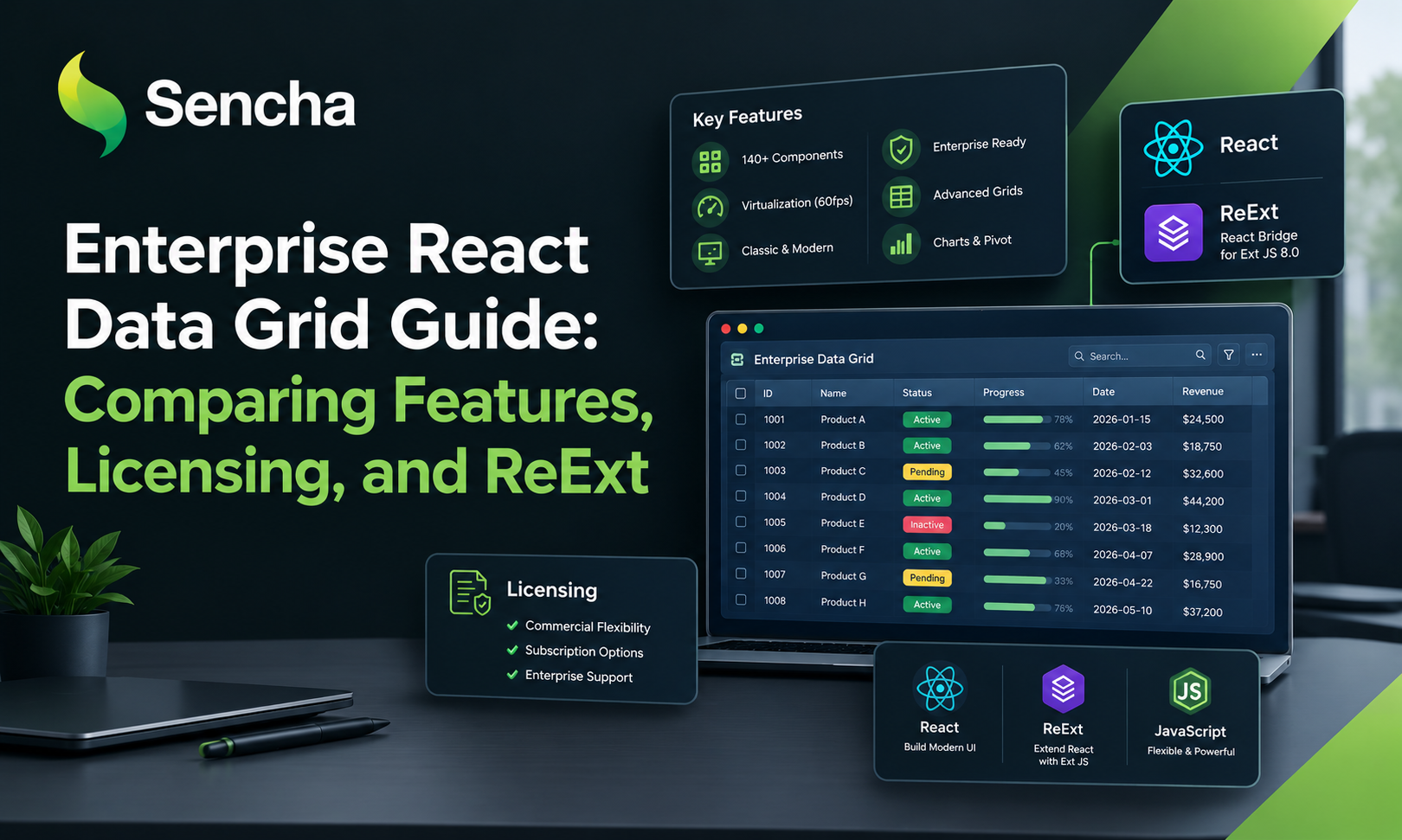
When building enterprise applications with React, the React Data Grid Enterpriset Data Grid Enterprise often becomes a core part of the user experience. It may need to handle thousands of records, server-side filtering, editable cells, grouped summaries, and spreadsheet-style workflows. Choosing a grid based only on its initial demo can lead to expensive rewrites or unexpected licensing costs later. In this guide, we'll cover the main features to evaluate, compare common grid approaches, and explore how ReExt can integrate Ext JS grid functionality into a React application.
Enterprise React Data Grid Requirements: Before comparing libraries, define the workload the grid must support. Data and performance: For large datasets, evaluate: Virtual or buffered rendering; remote sorting and filtering; server-side pagination; efficient data updates; column virtualization where appropriate For very large datasets, server-side processing is often important because rendering optimization alone does not eliminate the cost of fetching and processing all records. Editing and analysis: Enterprise workflows may require: Inline cell editing Input validation Grouping and aggregation Multi-column sorting and filtering Column pinning or locking Tree data and expandable detail rows Export and spreadsheet interaction Check whether your application needs Excel export, CSV export, clipboard operations, range selection, or saved column configurations. These capabilities are often where licensing tiers differ significantly.
Comparing the Main Grid Libraries AG Grid: A dedicated grid with a free Community edition and commercial Enterprise features. MUI X Data Grid: A grid that fits naturally into applications using Material UI, with advanced features distributed across paid tiers. KendoReact and Syncfusion: Options for teams that want a grid alongside a wider collection of UI components. TanStack Table: A headless table library that provides logic while leaving rendering and many advanced interactions to the developer. ReExt: An integration layer for using Ext JS components, including the Ext JS grid, inside React applications. The best option depends on the required features, the team's experience, the surrounding UI, and the applicable license.
What Is ReExt? ReExt allows developers to render and configure Ext JS components within React. This can be useful for applications that need a feature-rich data grid alongside enterprise components such as forms, trees, charts, and layouts. Rather than rebuilding every advanced interaction, developers can use the corresponding Ext JS component and configure it through ReExt. This approach is particularly relevant for existing Ext JS teams modernizing their applications or React teams evaluating a broader enterprise component framework.
ReExt Coding Style: A Grouped React Data Grid. ReExt uses the xtype prop to identify the Ext JS component and config to pass its configuration. Here is an illustrative example of an orders grid with grouping and summaries: import ReExt from "@sencha/reext";
const orders = [ { id: 1, customer: "Acme Corp", region: "EMEA", amount: 12500 }, { id: 2, customer: "Globex", region: "APAC", amount: 8200 }, { id: 3, customer: "Initech", region: "EMEA", amount: 4300 } ];
export default function OrdersGrid() { return ( <ReExt xtype="grid" style={{ height: 420 }} config={{ store: { data: orders, groupField: "region" }, features: [ { ftype: "groupingsummary" } ], columns: [ { text: "Customer", dataIndex: "customer", flex: 1 }, { text: "Region", dataIndex: "region" }, { text: "Amount", dataIndex: "amount", xtype: "numbercolumn", format: "$0,000", summaryType: "sum" } ] }} /> ); }
The example demonstrates the general coding style, not a complete application. You must configure the ReExt package, ReExtProvider, Ext JS resources, and licensing for your project. Verify component configuration against your installed Ext JS version.
Handling Edits in React: A grid that supports editing also needs a strategy for persisting changes. ReExt exposes Ext JS events through React-style event props. An edit event, for example, can be handled with onEdit: <ReExt xtype="grid" config={{ // Add the store, columns and editing plugin }} onEdit={(editor, context) => { const updatedOrder = context.record.getData();
// Validate and persist updatedOrder
console.log(updatedOrder);
}} /> In a real application, validate the updated values and send them to your backend API. Handle server errors and refresh the grid when necessary. The callback arguments depend on the event and component configuration.
5. Licensing and Total Cost of Ownership: When comparing grids, look beyond whether a feature is advertised.
Determine: Which license tier includes each required feature. Whether the license cost applies per developer. Which interactions require custom implementation. Whether other libraries are needed for charts, forms, trees, or layouts.
How much effort upgrades and long-term maintenance will require. TanStack Table can be attractive when customization and control are priorities, but teams must account for the UI and functionality they build themselves. Commercial grid products offer different levels of ready-made functionality, so compare them using the same requirements. ReExt is included with the applicable Ext JS commercial licensing. Confirm the current plan and feature availability before making a purchasing decision.
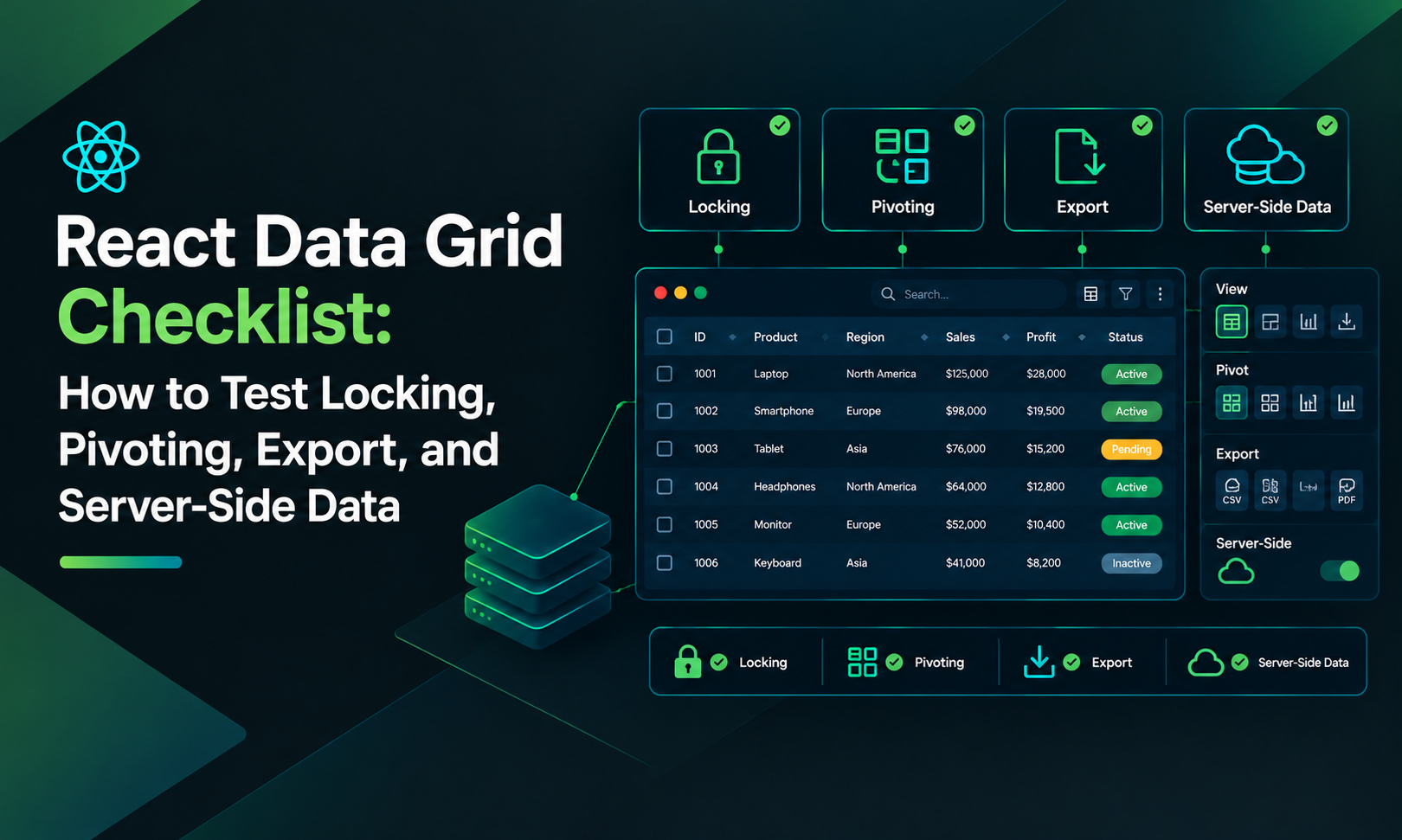
6. A Practical Evaluation Checklist: Before choosing a grid, test the following: Load realistic data volumes. Measure scrolling and update performance. Test filtering and multi-column sorting. Verify editing and validation. Test grouping and aggregation. Confirm export and clipboard requirements. Check keyboard accessibility. Verify feature availability in the intended license tier. Calculate implementation and maintenance costs.
Conclusion:
Enterprise React data grids vary in their feature coverage, licensing, and development model. The right choice depends on the complexity of the data workflows and how much functionality your team wants to build itself. ReExt is worth evaluating when your React application needs Ext JS grid capabilities and the surrounding enterprise component ecosystem. For a detailed feature-by-tier comparison, see the full Sencha guide to enterprise React data grids.
Comments
Join the discussionNo comments yet. Be the first to comment.