Building Professional JavaScript Data Grids: Performance, Accessibility, and Responsive Design
A JavaScript data grid looks simple until the dataset and requirements become serious.
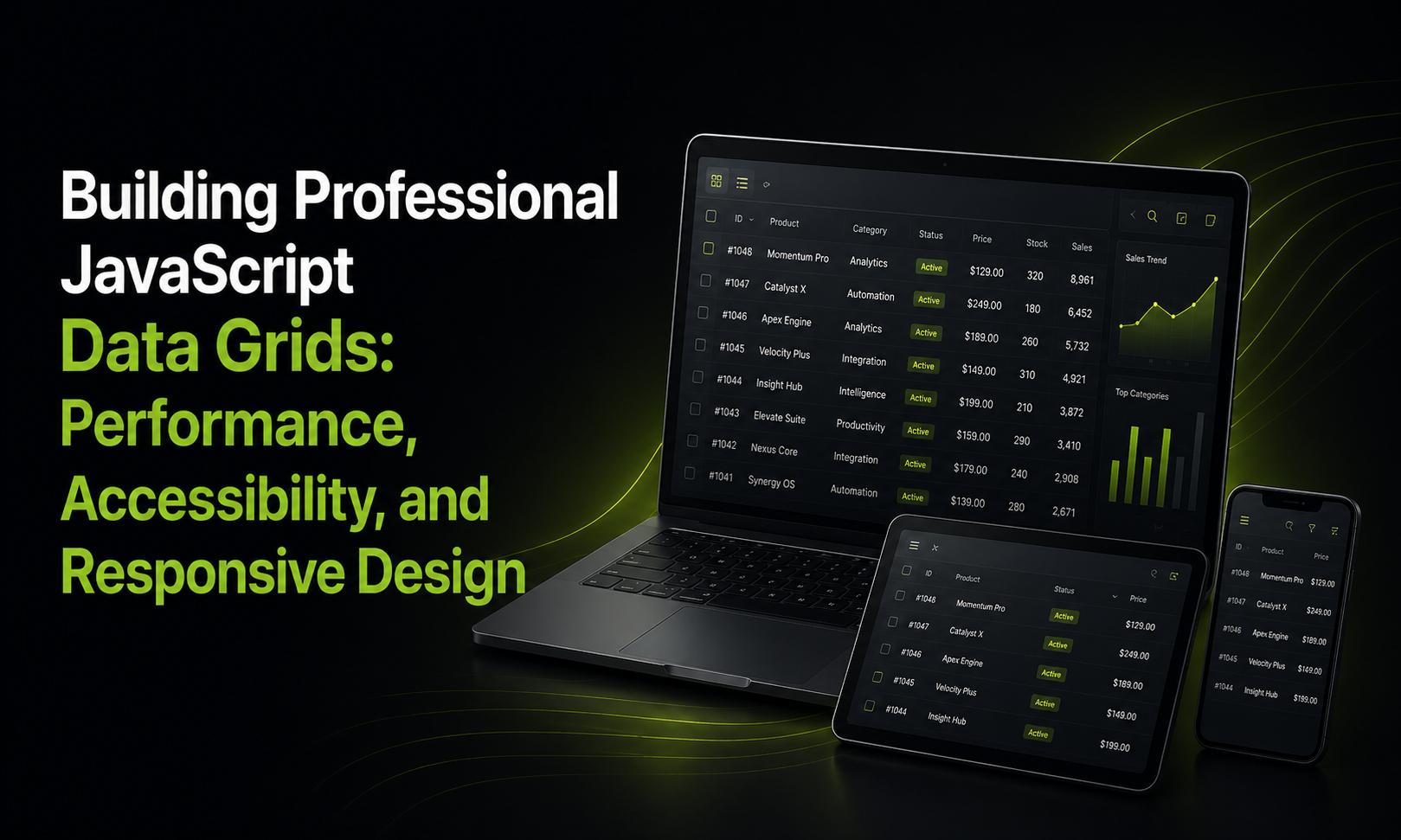
Displaying a few hundred records with columns and sorting is straightforward. The challenge starts when an application needs to handle large datasets while also supporting filtering, grouping, editing, exports, accessibility, mobile layouts, and long-running sessions.
Start with the difference between layout and data grids
CSS Grid solves a layout problem. It helps position elements into rows and columns.
A JavaScript data javascript grid solves a different problem: displaying and interacting with structured data.
A production data grid may need to support:
Sorting and filtering
Column resizing
Inline editing
Grouping
Pagination
Infinite scrolling
Data binding
Exporting
Keyboard navigation
Responsive layouts
That's why treating a data grid as "just a table" can lead to a lot of custom code.
Performance becomes the first major problem
Rendering thousands of DOM elements isn't a great strategy.
Virtualization is one of the most useful techniques here. Instead of rendering every row, the grid renders the rows currently visible in the viewport and manages additional rows as the user scrolls.
For wider datasets, column virtualization can also help.
Server-side processing is another important piece. When the dataset is too large to comfortably handle in the browser, sorting, filtering, and pagination can happen on the server while the client requests only the data it needs.
Accessibility shouldn't be added at the end
Data grids can be difficult to navigate with a keyboard because of the many interactive elements.
A production implementation should consider:
ARIA roles and labels
Logical keyboard navigation
Visible focus states
Screen reader support
Accessible sorting and filtering
Sufficient color contrast
Status information that isn't communicated through color alone
This is one area where using a mature component can save considerable implementation effort.
Mobile grids need a different strategy
Trying to squeeze 15 columns onto a phone screen usually doesn't work.
A better approach is progressive disclosure. Keep the most important information visible and allow users to access additional fields through expandable rows or other interactions.
Touch targets also need to be large enough for mobile interaction.
Where a framework like Ext JS fits
For data-heavy enterprise applications, I've found the interesting question isn't simply "Which grid library is fastest?"
It's also about how many pieces need to work together.
Ext JS provides a data grid alongside other UI components such as forms, charts, and layouts. Its grid supports capabilities such as virtualization, filtering, grouping, editing, column operations, and data export.
That integrated approach can be useful when you're building an application where the grid isn't an isolated component but one part of a much larger data-intensive UI.
That doesn't mean a full framework is necessary for every project. For a small dashboard, a lightweight grid may be the better choice.
The important thing is to evaluate the requirements at the scale the application will actually reach—not just the dataset you have during development.
Final thought
A professional data grid is less about making rows and columns look good and more about handling performance, interaction, accessibility, responsiveness, and maintainability together.
If you're evaluating grid libraries, I'd test them against realistic data rather than a 20-row demo.